Handbook
Forge Fleet doc images
PNG files in this directory are optional handbook assets. They can be regenerated so screenshots stay in sync with /admin/.
Updated
Illustrative only: pixels may lag behind the current /admin/ UI between releases; cross-check live behavior on your Fleet instance. Exact copy, ordering, and layout are not a compatibility contract.
Regenerate admin-overview.png
From the forge-fleet repository root (with Node dependencies installed):
npm ci
npx playwright test e2e/docs-screenshots.spec.ts
This writes docs/assets/admin-overview.png. The Playwright config starts Fleet on http://127.0.0.1:19876 via e2e/start-fleet-server.sh unless a server is already running there (local non-CI runs use reuseExistingServer). If webServer fails with “Address already in use”, something else may be bound to 19876 without answering GET /v1/health — free the port or stop that process, then re-run the test.
When building the forge-fleet-website handbook, generator/build-site.py copies *.png from forge-fleet/docs/assets/ into website/assets/ so Markdown like 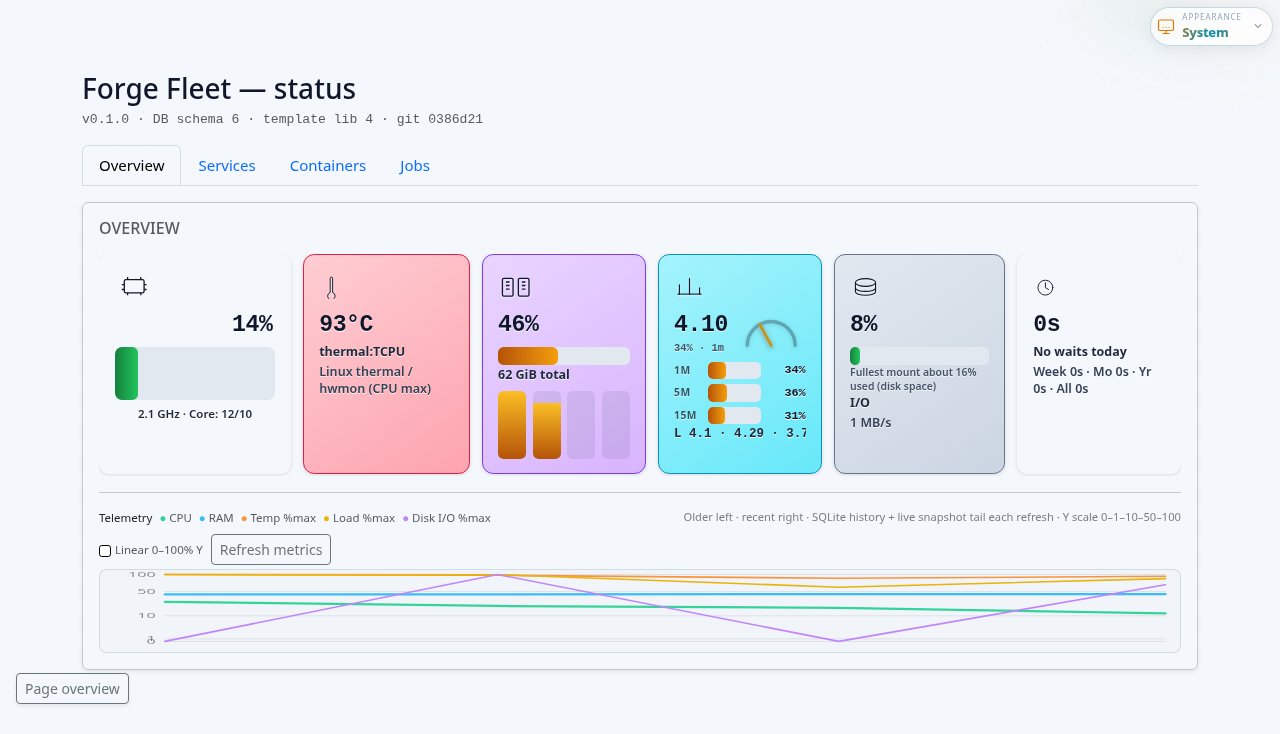 resolves from nested handbook pages (docs/learn-101/, docs/start/, …).
Do not commit secrets or personal data in screenshots; the default e2e server uses a disposable data directory.